 Discord for Jira
Jira and Discord admins
Choose a Jira project for support tickets
Decide how to handle requests from Discord and who can see the conversation.
- Jira Software or businessUse this when your team works with Jira issues and replies in a shared Discord discussion.
- Jira Service ManagementUse this when you need request types and a separate place for agent-only notes.
Choose the project type
| Use | Choose |
|---|---|
| Standard issue types and supported fields for internal intake | A supported Jira Software or business project |
| Request types and separate replies to customers and internal notes | A Jira Service Management project |
Set up the workflow
- Open Tickets in Jira, enable the chosen project, and select its Discord destination.
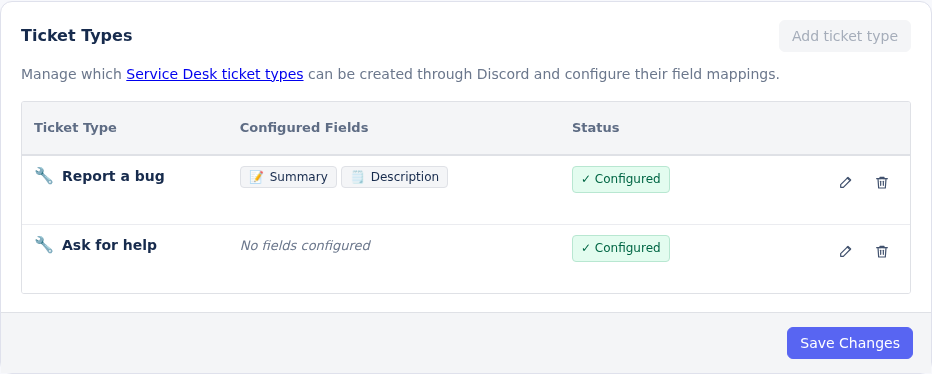
- Configure types, required fields, and the reporter’s ticket flow. Set up a ticket intake panel if reporters need a persistent entry point.
- Submit one ticket from Discord. Read it as a reporter and as support. For Jira Service Management, check that a customer reply is visible to the reporter and an internal note stays in Jira.