 Discord for Jira
Linked Discord member
Find my assigned Jira issues
Open a private list of issues assigned to you on a linked Jira site.
- In a server or chatUse the Jira app installed on your Discord account.
- In the bot’s DMsChoose Personal Jira issues from /help.
Open your issues
Link your Jira account and choose how to open your list.
- From a server or private conversation. Add Discord for Jira to your Discord account. Run the personal app’s
/issue-list. - In a DM with the Jira bot. Run
/helpand select Personal Jira issues.
If you linked several Jira sites, choose one. If you linked one, the list opens immediately.
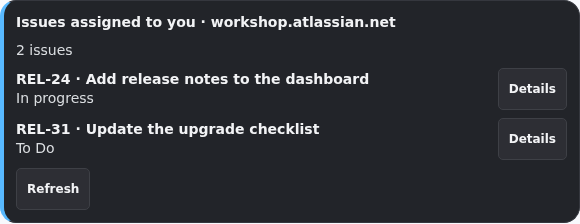
If you see Connect Jira, link the account for the site you want and run the command again.
Team issue lists
Open a team issue list to see issues that match your team’s filters.